Your Friday, from the delivery door to the plate.
One job for each person. Your buyer orders. Your chef costs the menu. Your manager counts the walk-in. Fourteen small apps, all on the same numbers.
Before you open. While you are open. After the week.
That is when you use them.
-
 Before you open
The menu, prices, forecast and supplier deals
-
 While you are open
Deliveries, prep, counts and the bar
-
 After the week
Bills, labor, food safety and the delivery apps
What you decide before you open
- Menu costs and prices Plate cost, price and margin for each dish.
- How busy you will be A forecast for prep and ordering.
- The plan for your week The week you mean to have, beside the one your own weeks forecast.
- Checking the prices you agreed Catch any invoice above your agreed price.
- Catering and events Each event priced at plate cost before you sign it. Every order going out on a day, on one kitchen list.
- New sites and leases Each lease's rent, charges and notice dates. A new store's numbers, started from what your stores already do.
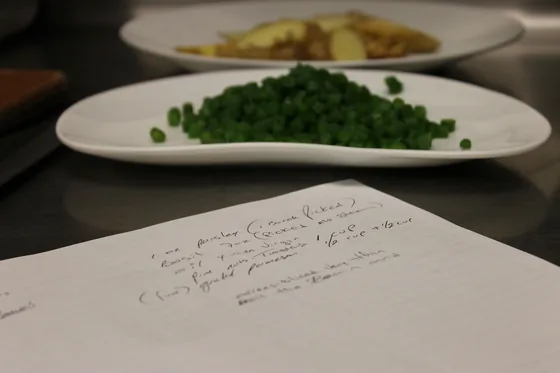
Recipe costing does not ask you to start over. It reads what your kitchen already wrote.
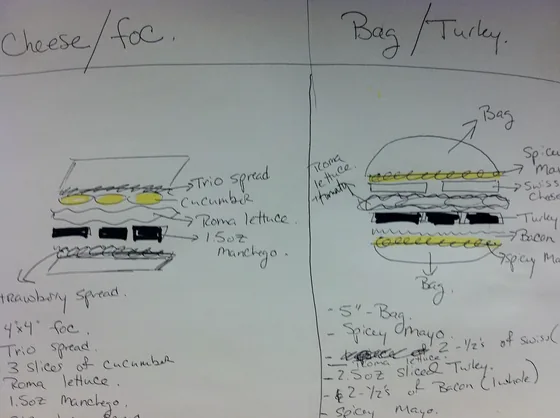
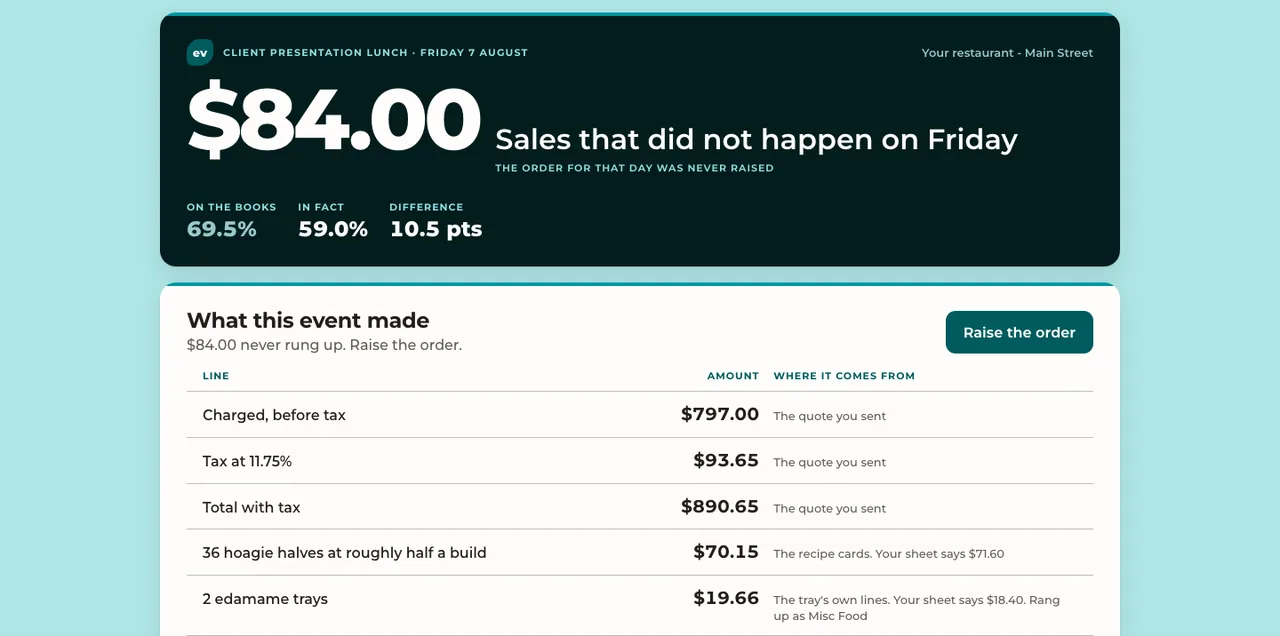 See the catering event
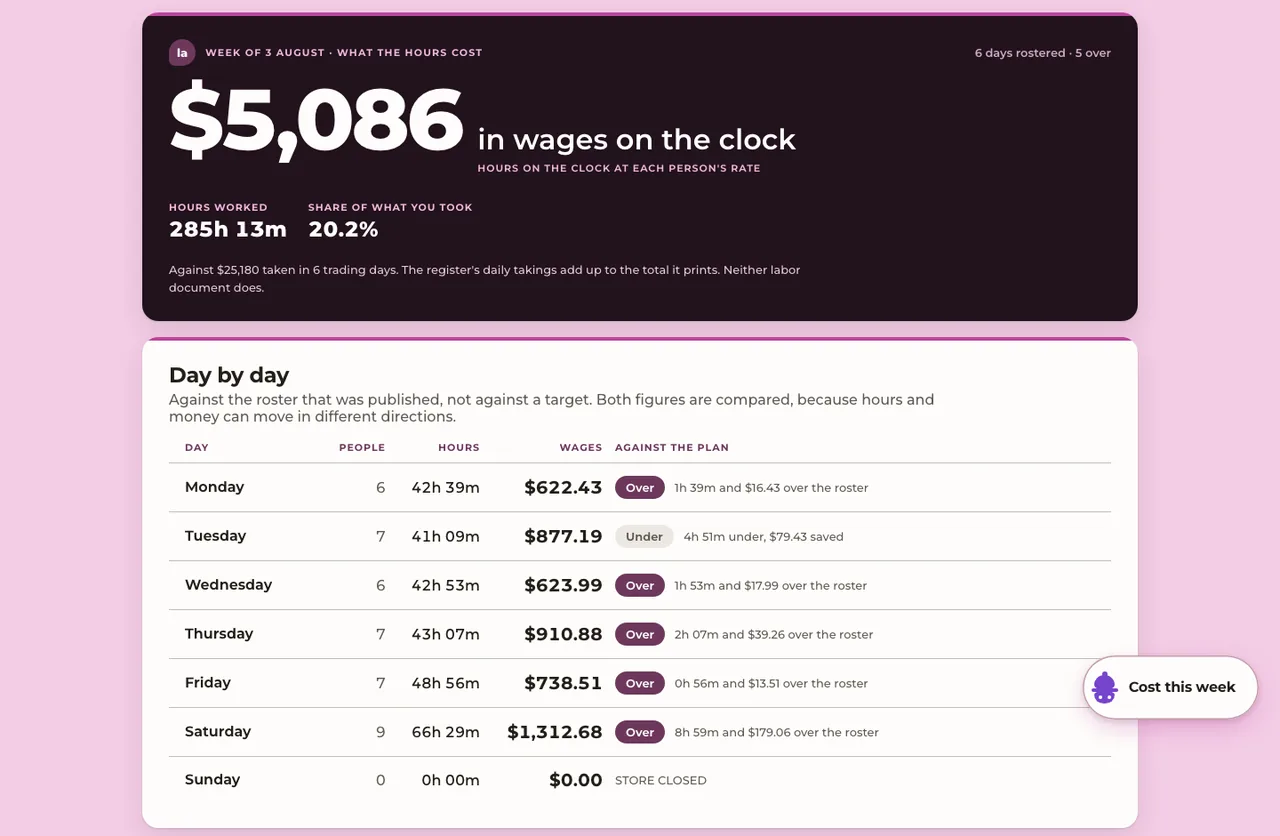 See the week's labor
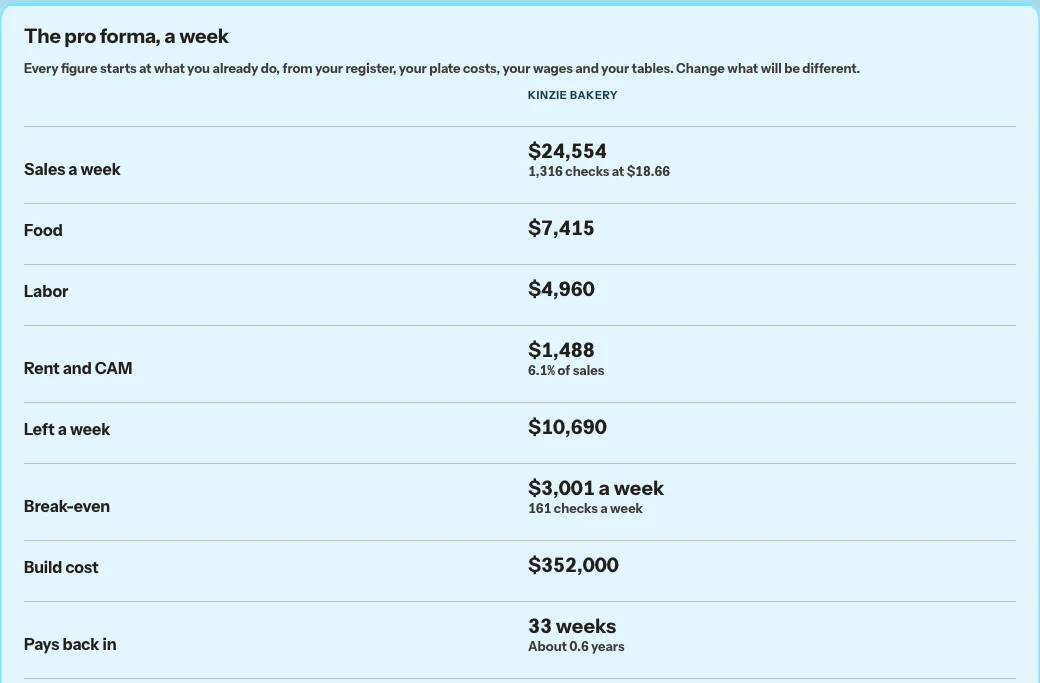 See the new store
What happens while you are open
- Ordering, deliveries and bills in Order what you need, less what is already coming, at the price you agreed. Check each case against the invoice. Forward bills to your store's own address; a delivery with no bill, or a bill with no delivery, is listed with the fix.
- Prep lists Prep lists, and the yield of each batch. A commissary bakes from one list of what every store takes.
- Stock counts, weekly One manager counts once a week.
- Bar and pour costs The pour cost of each drink, priced from your latest invoice, against your target. The price that hits it is ready as a menu change.
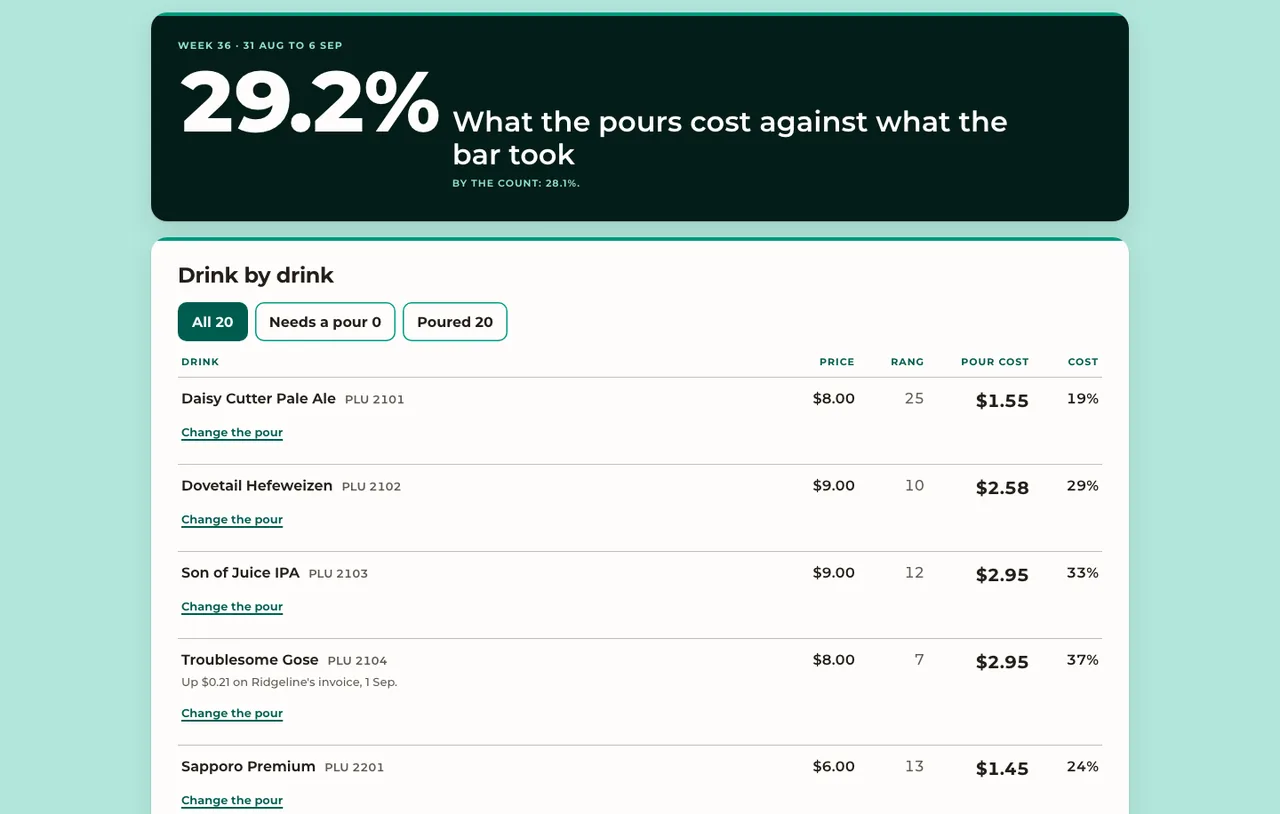 See the pour costs

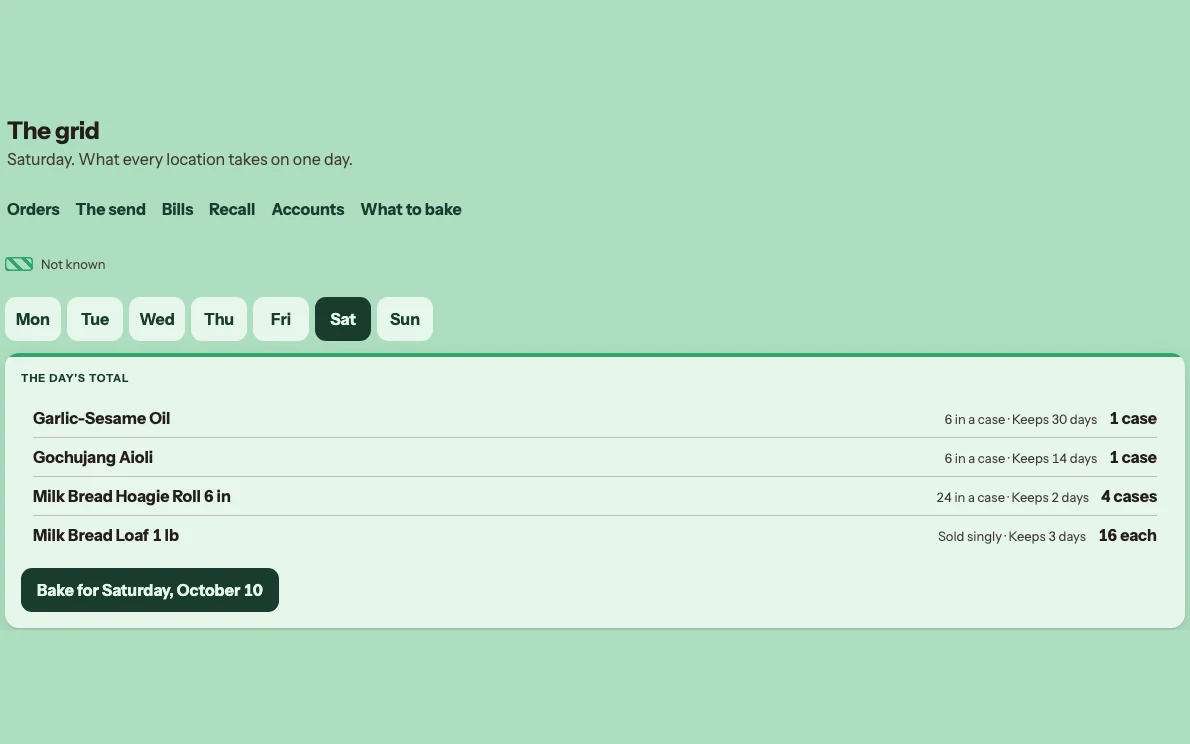 See the grid
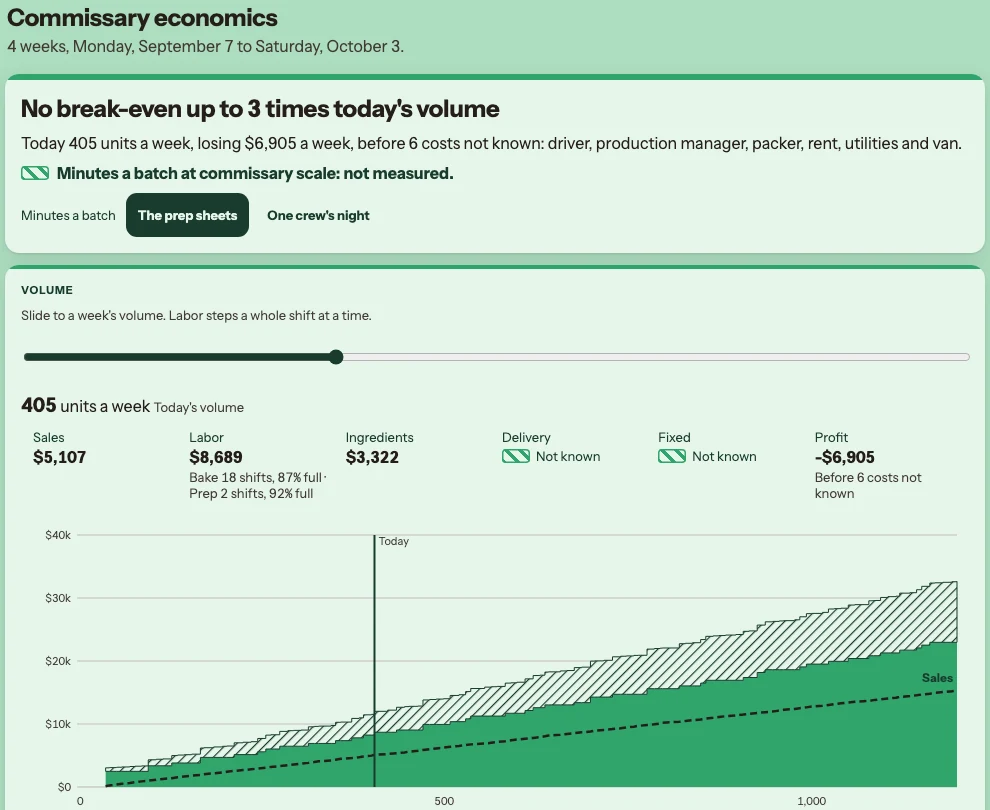 See the break-even
After the week: bills, fees, food safety and labor
- Invoice coding for QuickBooks Bills coded and approved, in a file for QuickBooks. A price past your limit is flagged on the line. Safe bills are approved in one press; a held bill says why.
- Delivery app fees The commission, fees and adjustments on each order.
- Food safety logs Temperatures and checks, written down.
- Kitchen labor on each plate Hours against the roster, and the labor cost on each plate.
Three restaurants, one list.
Ask Fernand what to do first. As the owner, you get one list for every restaurant you run, biggest dollars first. Each line names its restaurant and what it brings back: a credit a supplier owes, a bill over the agreed price.
Each manager sees the same list for their own restaurant.
The room, as well as the kitchen.
The lineup. Before the shift, a page for the team: who is in, what is booked, what to know.
Make it right. When a guest has a bad night, a page shows it and lets you do something about it.
The table card. At each seated table, what the house knows about that guest. Only what they have said we may remember stays.
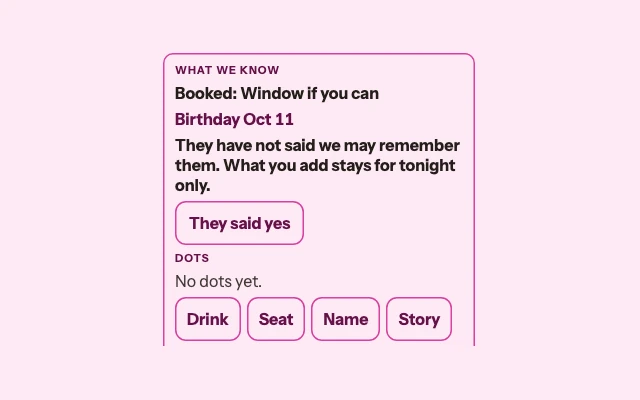 See the table card
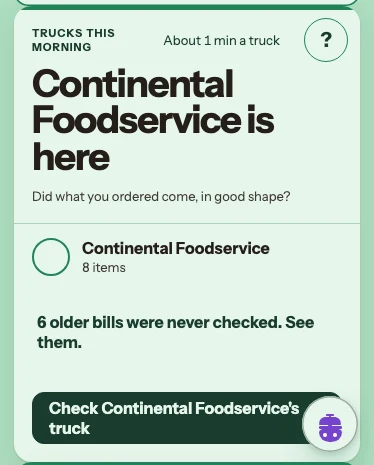
Your cooks use it on their own phones.
 1
2
3
4
1
2
3
4
- A truck is here. The cook sees which supplier, and how many items.
- The ? on the card. Says what it is, why it matters and what to do.
- See the older bills. Opens the bills still waiting to be checked.
- One button. Photograph the bill, check what came. About a minute; nothing typed.
Prep and the bin work the same way: one card each, a few taps. English or Spanish. No signal in the walk-in? It saves on the phone and sends when there is signal.
Hospitality is the work. These help your team do it.
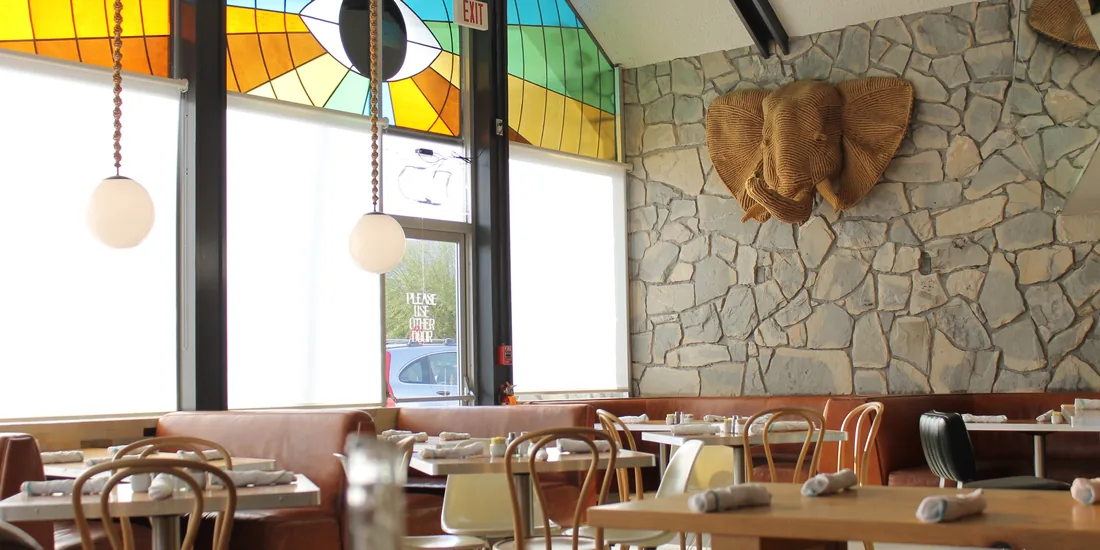
Hospitality is a relationship. Service is a transaction.
Ownership is not an abstraction. It is the ability to greet someone by name. To remember their order. To send something to the table they didn't ask for but will love.
What the house knows reaches the person in front of the guest.
- The table card When a server opens a table, the card shows the booking note, a birthday this week and what the team heard last time, allergies included, and when each ticket was fired and done. A disputed allergen shows as disputed. It is kept only if the guest says yes.
- Make it right When something goes wrong, a manager names the cause and closes it only when something was done. Each week shows how many were fixed before the guest left.
- The lineup Tonight's book, read to the team before doors: occasions, what guests cannot eat, what is off, and who is on. It flags anyone set to pour without an alcohol card good that day.
Wholesale, from the commissary
For a commissary that bakes for your own stores and sells to other businesses.
- Orders Every account and store, for one day. A one-off order after its cutoff is refused, with the reason.
- The send Each drop with its lot, best-by and days left at the door. Your own stores get it at cost.
- Bills and recall What each account owes, by age. One lot traced to every account and store it reached.
$250 a month for each kitchen that sells, on top of its location price. Talk to us about a commissary.
One set of numbers behind all of it
All your numbers in one place
Your items, your bills and everything that happened sit in one place. Every app reads it. It is yours.
A commissary is not a restaurant
A location is a restaurant. It can also be a commissary or a catering kitchen. A commissary sells no meals, so it shows no restaurant figures. A kitchen with its own address is priced as one more location.
One way in
One sign-in for everything. You choose who sees what at each location. When your invite comes, we set it up with you from your files.
Four things on every page
- AppsEverything you hold.
- TasksWhat to do next, in every app.
- SearchEvery app at once.
- FernandYour AI helper, on the page you are on.